Make the food you serve look clear, honest, and ready to share.
Field guides for restaurant owners and teams. Learn to take better photos of real dishes, edit carefully, and prepare images for menus, delivery, and your website.
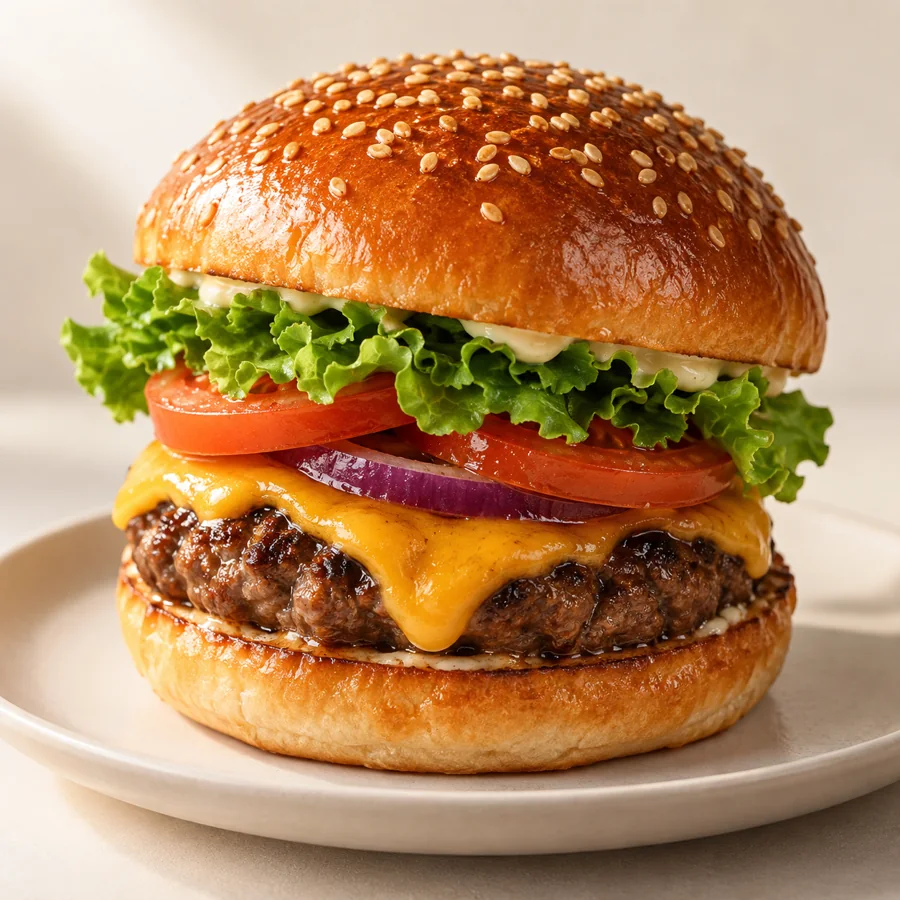 Illustrative image · not a customer result
Photo capture
Start with a stronger original photo.
How to Photograph Restaurant Food With a Phone
A repeatable phone-only shooting station and service-time workflow
Read guide →Photo captureNatural Light for Restaurant Food Photos
Choose a window, control glare, and keep color consistent
Read guide →Photo captureHow to Fix Dark Restaurant Food Photos
Decide when to reshoot and when a restrained edit is enough
Read guide →Photo captureChoosing the Right Camera Angle for Each Dish
Match overhead, three-quarter, and side angles to actual dish shape
Read guide →Photo captureSimple Backgrounds for Restaurant Menu Photos
Choose surfaces that clarify the food without staging a false dish
Read guide →Photo capturePrepare a Real Dish for Its Menu Photo
A kitchen-to-camera checklist that keeps ingredients and portion truthful
Read guide →Photo captureA Restaurant Menu Photo Shoot Checklist
Plan staff, dishes, files, and final approvals for a multi-item shoot
Read guide →Photo captureHire a Food Photographer or Shoot In-House?
A decision framework based on menu size, consistency, time, and rights
Read guide →Photo captureBurger Menu Photos: A Three-Frame Shot Plan
Choose side, cut-open, and packaging frames while checking the real topping build and portion
Read guide →Photo capturePizza Menu Photos: Whole Pie, Slice, and Delivery Box
Match the image to the whole pie, slice, or boxed item sold, then verify toppings
Read guide →Photo captureBakery Menu Photos: Show the Pastry You Actually Sell
Separate single portions, cut-open views, and display-case images without overstating the serving
Read guide →Photo captureCocktail Menu Photos Without Glass Glare
Diagnose glass reflections and protect the real drink color, fill, and garnish
Read guide →Photo captureSushi Menu Photos: Show the Roll, Rice, and Piece Count
Check roll identity, fish color, rice detail, and the exact pieces included
Read guide →Photo editing
Improve the image while keeping the dish true.
Edit Food Photo Brightness Without Changing the Dish
Correct exposure and contrast while preserving actual appearance
Read guide →Photo editingCorrect White Balance in Restaurant Food Photos
Remove orange or green lighting casts without recoloring ingredients
Read guide →Photo editingCrop Food Photos for Menus Without Cutting Off the Dish
Protect the full portion across different placements and aspect ratios
Read guide →Photo editingBlurry Food Photo: Fix It or Reshoot?
Separate motion, focus, and low-resolution failures before editing
Read guide →Photo editingWhen to Change a Food Photo Background
Evaluate cleanup versus replacement with ingredient and platform checks
Read guide →Photo editingHow to Review a Food Photo Before and After Edit
An owner approval method for color, portion, garnish, and framing
Read guide →Photo editingFood Photo File Format and Resolution Guide
Export a practical master and check destination-specific rules
Read guide →Photo editingHow to Choose an AI Food Photo Editor for a Restaurant
Assess truthful output, review controls, privacy, and cost per usable image
Read guide →Photo editingAI Food Photo Editing Prompts With Dish-Safety Checks
Use specific editing prompts and reject outputs that alter ingredients, portions, or the dish
Read guide →Publishing channels
Prepare the right image for each destination.
DoorDash Menu Photos: A Merchant Preparation Guide
Prepare item photos and verify current Merchant Portal guidance before upload
Read guide →Publishing channelsUber Eats Menu Photo Requirements for Merchants
Distinguish item photos from cover photos using Uber's published rules
Read guide →Publishing channelsFood Photos for Google Business Profile
Show food actually served and follow Google's image quality guidance
Read guide →Publishing channelsPlan Photos for an Online Ordering Menu
Prioritize coverage and consistency before uploading dozens of items
Read guide →Publishing channelsFood Photos for a Printed Restaurant Menu
Choose fewer stronger images, protect crop, and proof at print size
Read guide →Publishing channelsReuse Restaurant Food Photos for Social Media
Adapt a real-dish master photo without distorting the portion
Read guide →Publishing channelsFood Photos for a Restaurant Website
Separate hero, menu item, and gallery roles; add descriptive alt text
Read guide →Publishing channelsA Photo Workflow for Seasonal Restaurant Menus
Refresh limited-time item images without leaving outdated dishes live
Read guide →Publishing channelsTakeout Food Photos That Match the Delivered Meal
Choose a real packaging view and distinguish delivery images from dine-in plating
Read guide →Publishing channelsAlt Text for Restaurant Menu Photos: Useful Examples
Write distinct text alternatives for informative, decorative, and functional food images
Read guide →Trust and operations
Build an accurate, repeatable review process.
Can Restaurants Use AI-Edited Food Photos Honestly?
Define a defensible boundary between correction and fabrication
Read guide →Trust and operationsCheck Ingredients and Portion Size in Menu Photos
Build a comparison checklist against the dish actually sold
Read guide →Trust and operationsWho Owns Restaurant Food Photos? A Practical Rights Checklist
Check photographer contracts and platform terms before reuse
Read guide →Trust and operationsA Restaurant Food Photo Approval Checklist
Assign an owner review before menu, delivery, and social publication
Read guide →Trust and operationsHow to Audit Your Restaurant Menu Photos
Find missing, outdated, inconsistent, and misleading images
Read guide →Trust and operationsRestaurant Food Photography on a Small Budget
Prioritize light, a repeatable setup, and top items before equipment
Read guide →Trust and operationsManual vs AI Food Photo Editing for Restaurants
Choose by defect type, review burden, and destination policy
Read guide →Trust and operationsKeep Restaurant Food Photos Consistent Across a Menu
Create simple repeatable rules for angle, light, crop, and approval
Read guide →Trust and operationsA File Naming System for Restaurant Menu Photos
Track the original, approved export, SKU, location, and retirement status with a simple asset ledger
Read guide →Trust and operationsKeep Menu Photos Accurate Across Multiple Locations
Decide when a shared brand image is accurate and when a location needs an approved override
Read guide →Photo workflow
Build an accurate, repeatable review process.
From Phone Photo to Menu Image: An AI Editing Workflow With Review Gates
Show where DishVivid can save work while keeping human approval and reshoot triggers explicit.
Read guide →Photo workflowHow to Reduce Glare on Sauces, Plates, and Packaging
Treat different reflective surfaces separately instead of applying one global correction.
Read guide →Photo workflowHow to Fix Harsh Shadows in Food Photos
Separate capture fixes from edits and show when a reshoot is safer.
Read guide →Photo workflowA Weekly Restaurant Photo Workflow for Menu Changes
Fit capture, safe editing, approval, and export into a weekly operating rhythm.
Read guide →Photo workflowHow to Organize a Restaurant Photo Library by Dish and Channel
Connect originals, approved edits, and channel exports so old photos do not return.
Read guide →Photo workflowMenu Photo Quality Control: A Manager's 10-Minute Review
Give managers a fast reject-or-approve routine before images reach customers.
Read guide →Dish playbooks
Build an accurate, repeatable review process.
Salad Photography: Keep Greens Fresh and Ingredients Clear
Show ingredient distribution and freshness without artificial saturation or invented toppings.
Read guide →Dish playbooksTakeout Packaging Photos: Show What Customers Actually Receive
Photograph the delivered state and distinguish it from plated marketing images.
Read guide →Dish playbooksBowl Food Photography for Poke, Grain Bowls, and Curries
Match framing to the dish structure so components remain identifiable.
Read guide →Dish playbooksDessert Menu Photos: Show Layers, Size, and Finish
Build a small shot sequence that answers size and texture questions.
Read guide →Dish playbooksSoup Photography: Show Texture Without Hiding the Portion
Balance surface detail, bowl size, and honest garnish placement.
Read guide →Menu strategy
Build an accurate, repeatable review process.
Menu Photos for a New Restaurant: A Launch-Week Plan
Build a realistic first photo library before every recipe and presentation detail is fully settled.
Read guide →Menu strategyRestaurant Menu Photo Strategy: Choose What to Photograph First
Prioritize a limited shoot by customer uncertainty, business value, and the dishes that can be represented truthfully.
Read guide →Channel publishing
Build an accurate, repeatable review process.
Restaurant Photo Aspect Ratios: One Shoot, Multiple Channels
Plan capture space and export crops without cutting off the dish.
Read guide →Channel publishingFood Photos for Restaurant Email Campaigns
Select and crop images for small mobile email placements with a direct ordering path.
Read guide →Channel publishingRestaurant Instagram Food Photos That Still Match the Menu
Create social variants without turning the dish into a different product.
Read guide →